agentFeaturedApr 18, 2026
AI Executive Assistant
A terminal-based AI executive assistant built on Claude Code that manages your day, tracks tasks, preps meetings, and keeps you accountable.
A terminal-based AI executive assistant built on Claude Code that manages your day, tracks tasks, preps meetings, and keeps you accountable.
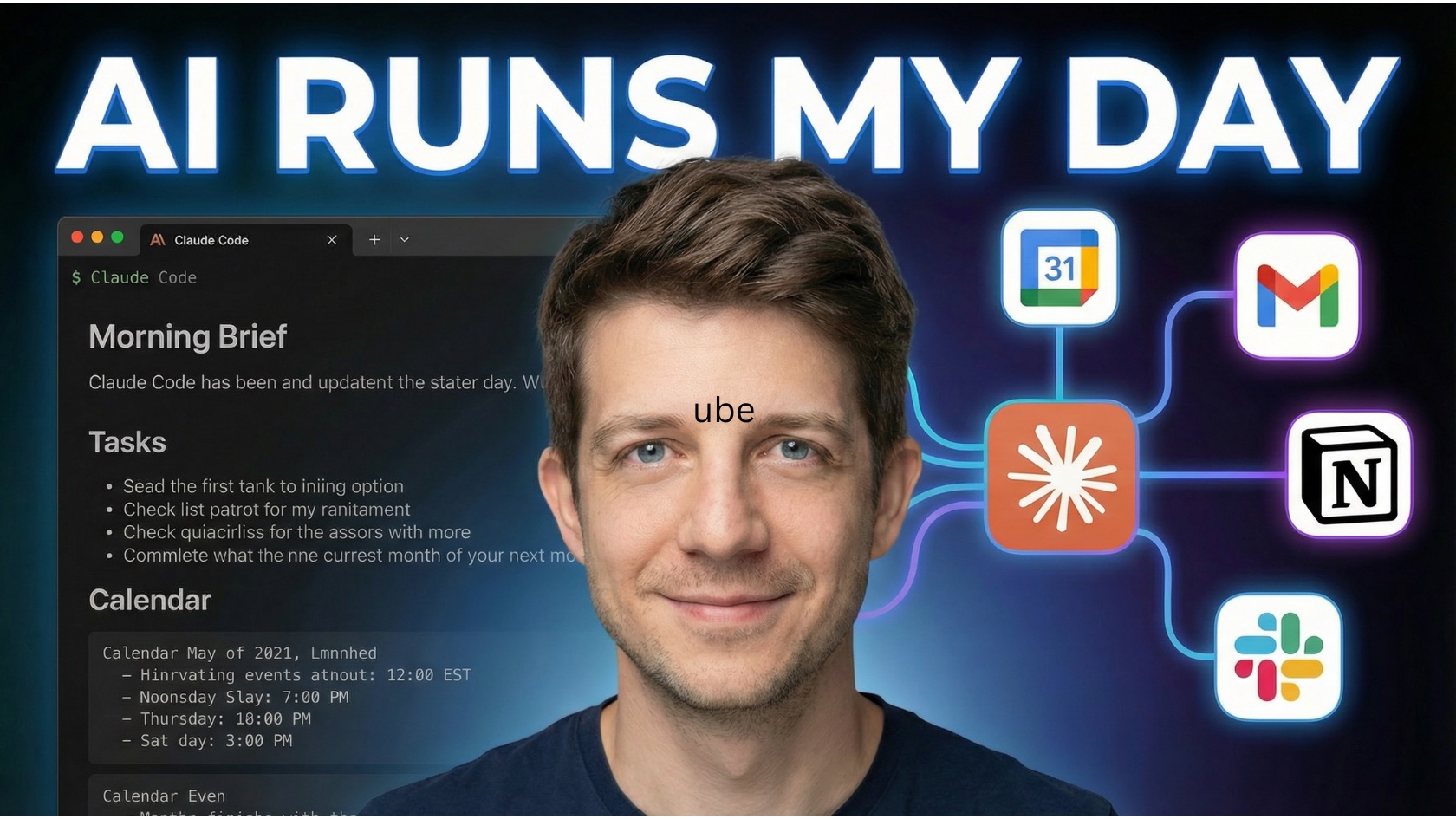
An AI executive assistant that lives in your terminal. Not a chatbot you prompt once and forget — a persistent agent that knows how you work, remembers what you said yesterday, tracks your commitments, and calls you out when you're drifting from your priorities.
Built on Claude Code as a set of slash commands. Type /ea and your assistant is there.
I kept losing track of things. Not because I didn't have systems — I had too many. Tasks in Notion, notes in Obsidian, half-formed workflows in n8n, prompts saved in Claude projects, action items buried in email threads. Every tool worked fine on its own, but nothing connected them. I'd plan my day in one place, get pulled into a meeting, capture follow-ups in another place, and by 3pm I couldn't tell you what I was supposed to be doing.
What I actually wanted was something closer to a real executive assistant — someone who knows my goals, knows my calendar, knows what I committed to last week, and can tell me "hey, you said you'd finish that by Thursday and you haven't touched it."
So I built one. It runs where I already spend my day (the terminal), it reads my actual tools, and it doesn't let me forget what I said I'd do.
Three things:
It remembers. Context files persist between sessions — today's plan, weekly goals, delegation log, velocity data. When you open a new conversation, the EA already knows what you planned yesterday and whether you did it.
It's personalized without fine-tuning. A profile file captures how you work — your energy windows (when you do deep work vs. admin), communication style, operating principles like "challenge my perfectionism" or "don't schedule deep work after 3pm." The EA reads this before every interaction and adapts.
It holds you accountable. If you bring up three new project ideas but haven't mentioned the launch that's due Friday, it'll say so. If you're overcommitting (the weekly retro tracks this with an actual overcommit score), it pushes back. It's not just reactive — it has opinions about how you should spend your time, grounded in your own goals.
Three layers, all plain text:
Skills — 13 slash commands, each a markdown file with a detailed prompt. One skill handles morning planning, another handles meeting prep, another handles delegation with follow-up tracking. Each skill knows what data to gather, how to analyze it, and what format to present.
Profile — One file that tells the EA who you are. Your energy windows, goals, task sizing preferences, communication style, and operating principles. This is what turns a generic assistant into your assistant.
Context — Working memory as markdown files. Today's plan, weekly goals, monthly focus areas, delegation log, decisions, waiting-on items, velocity trends. Skills read and write these, creating a feedback loop across sessions.
No database. No vector store. No framework. Just files, prompts, and a clear pattern.
The real power isn't any single command — it's how they chain together:
Morning Brief pulls your calendar, tasks, and context. But it doesn't just list them — it scores tasks by Impact × Urgency, matches them to your energy windows (deep work when you're sharpest, admin when you're crashing), and applies an 80% capacity buffer so you stop planning more than you can actually do.
During the day, you capture tasks as they come (/ea-add-task auto-sizes and categorizes them), delegate with tracking (/ea-delegate logs it and sets a follow-up reminder), and prep for meetings (/ea-meeting-prep pulls interaction history and open items).
Afternoon Check-in reviews what got done vs. what was planned. Updates statuses. Starts planning tomorrow.
Night Cleanup runs autonomously — it organizes your backlog, sizes unsized tasks, flags overdue items, and drafts tomorrow's plan. It has explicit guardrails: it can organize and categorize, but it cannot mark tasks as done, delete anything, or send messages without your approval.
The next morning, the Brief reads the draft as a head start. You never open a blank page.
On top of the daily cycle: Monday planning sets a sprint goal and slots tasks into days. Friday retro calculates your completion rate, spots patterns (meeting-heavy days killing deep work, scope creep from unplanned tasks), and adjusts recommendations for next week.
The EA works standalone — local context files and conversation. But connecting your real tools via MCP transforms it from "smart assistant" to "informed operator":
Connecting is one command: claude mcp add [tool-name]. The EA adapts its behavior based on what's available — if no calendar is connected, it asks you about your day instead.
The full source, install instructions, and documentation are on GitHub. Install takes under a minute. Run /ea-setup to personalize, then /ea-morning-brief to plan your first day.
A practical workflow for using an AI coding agent to inspect, rebuild, localize, and document a website clone without shipping raw browser-saved HTML.
A practical workflow for turning a browser-saved static website into a clean local template base you can reuse, localize, and customize.
How connecting your tools via MCP transforms an AI agent from a smart guesser into an informed operator — and why it's simpler than you think.